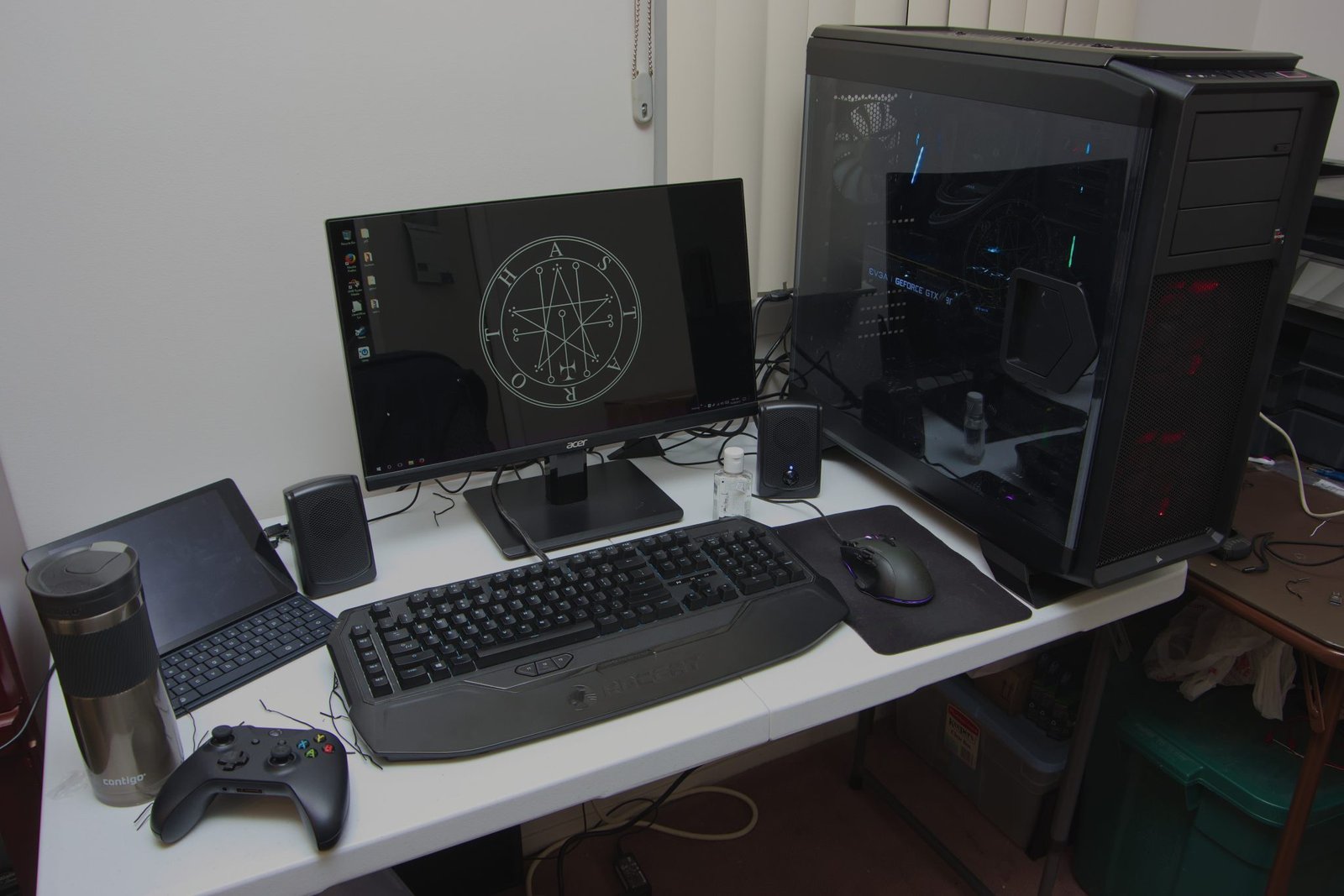
Think Your Pre-Built Gaming PC is Safe? The Hidden Danger Inside
Pre-built gaming PCs promise plug-and-play convenience, but many come with hidden risks that can destroy expensive components. Budget PCs under $1,500 often use unnamed, low-quality power supplies (PSUs) that can fry a high-end graphics card like the RTX 4070, along with other components.
Even mainstream brands like Dell, HP, and others cut corners on parts you can’t see, turning your supposedly “safe investment” into a ticking time bomb.
Why Cheap PSUs Are a Big Problem
Many pre-built PCs in the budget gaming range ship with no-name power supplies that:
- Lack efficiency certifications (like 80 Plus ratings)
- Provide insufficient wattage for the advertised GPU
- Fail silently, leading to thermal runaway and voltage spikes
When these PSUs fail, the damage often spreads to:
- Graphics cards (like the RTX 4070)
- Motherboards
- Storage drives
Replacement costs can be catastrophic. Most manufacturers don’t cover PSU-related component damage, leaving you to pay full price for each fried part.
The Proprietary Component Trap
OEMs often design custom, proprietary components to restrict upgrades:
- Unique power connectors
- Locked-down BIOS
- Oversized or undersized cases
These design choices make it almost impossible to install a standard replacement PSU or upgrade your GPU later. A PC that seemed affordable initially can become extremely costly to maintain or improve.
How to Avoid a Disaster
Before buying a pre-built gaming PC, check the PSU carefully. Here’s your smart buyer checklist:
- Check the Brand – Legitimate PSUs come from brands like Corsair, EVGA, or Seasonic.
- Look for Certification – Ensure it has 80 Plus Bronze rating or higher.
- Avoid Generic Listings – If a PC lists “600W Power Supply” without brand info, walk away.
- Research Teardowns – Look for teardown reviews and component lists to verify parts.
- Confirm Standard Layouts – Ensure standard ATX or micro-ATX cases and motherboards for future upgrade flexibility.
Key Takeaways
- Budget pre-built gaming PCs often cut corners with cheap, unnamed PSUs.
- A low-quality PSU can destroy high-end graphics cards and other components.
- Proprietary designs can prevent upgrades, forcing expensive system replacements.
- Always check PSU brand, certification, and compatibility before buying.
- Doing your homework upfront can save hundreds or even thousands of dollars in the long run.